

Overview
The pgEdge AI DBA Workbench works with any PostgreSQL 14+ database, including Supabase, Amazon RDS, Google Cloud SQL, or community PostgreSQL. This video provides a technical walkthrough of the Workbench in a few minutes, before going into the experience you'll have once it's up and running.
What's covered in this video:
Architecture overview
Setting up your Workbench instance
Live monitoring and AI-powered alerting across your Postgres database
Ellie analyzing real workload data and walking through specific tuning recommendations:
work_mem, autovacuum thresholds, connection pool settings
Why this matters for Postgres users:
You don't have to migrate, replatform, or rip anything out. The Workbench layers on top of your existing Postgres v14+ deployment, adding deep Postgres observability and tuning guidance without disrupting what's already working. The AI agents focus on your application while Ellie focuses on your database.
The AI DBA Workbench is 100% open source under the PostgreSQL License. Run it yourself, on your own infrastructure, with the LLM provider of your choice (Anthropic, OpenAI, Gemini, or a local Ollama model).
GitHub: https://github.com/pgEdge/ai-dba-workbench
Download: https://www.pgedge.com/download/ai-dba-workbench
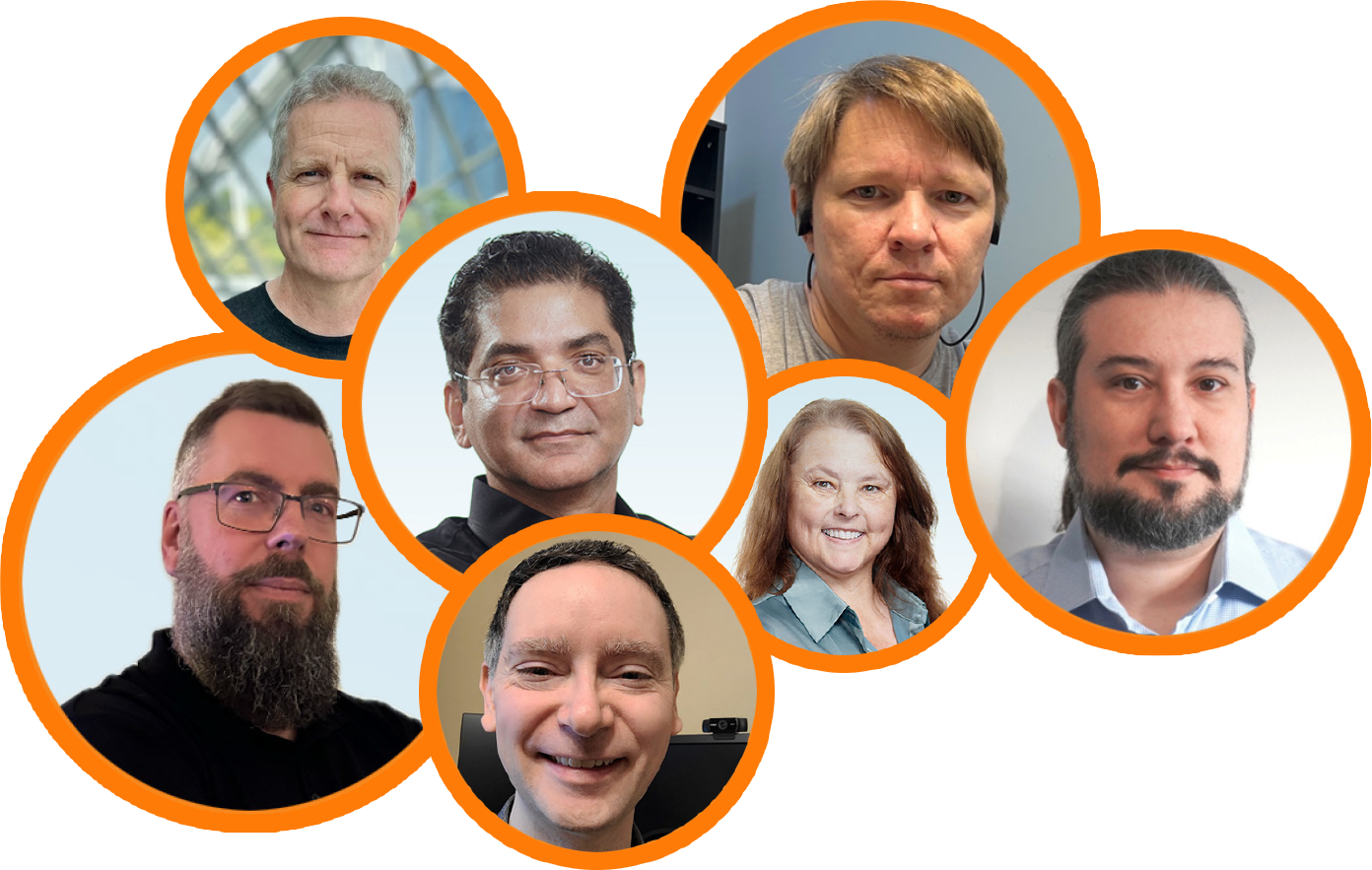
Learn more from the community
Sign up to receive the latest news from technical blogs to Postgres live sessions with Postgres community experts.
Dive deeper into pgEdge
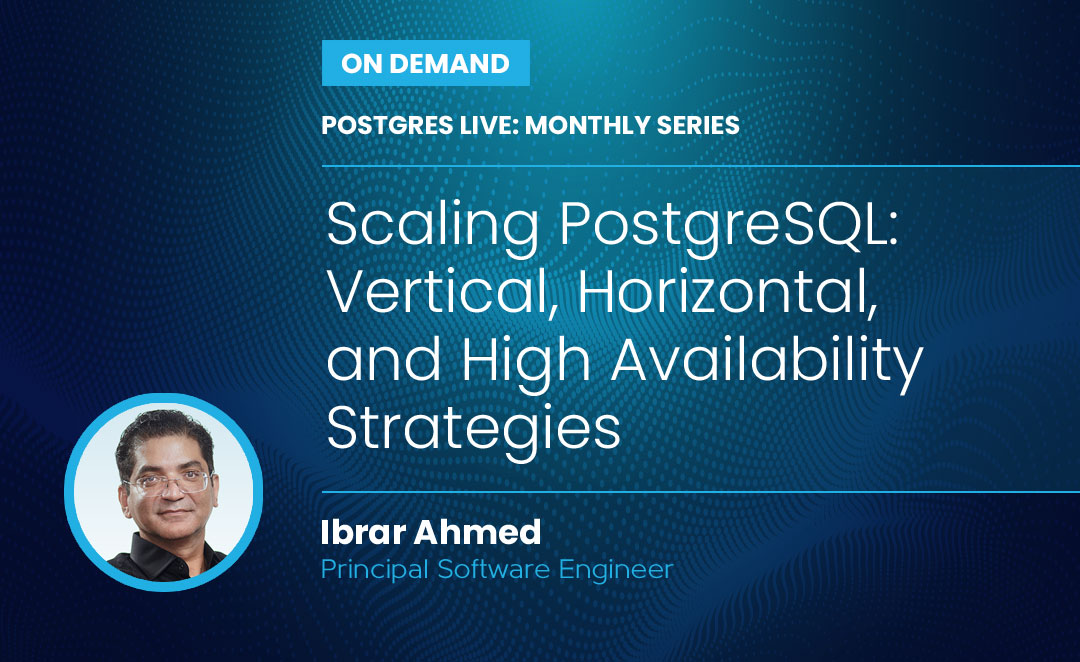
Postgres Live: Monthly Series Scaling PostgreSQL: Vertical, Horizontal, and High Availability Strategies
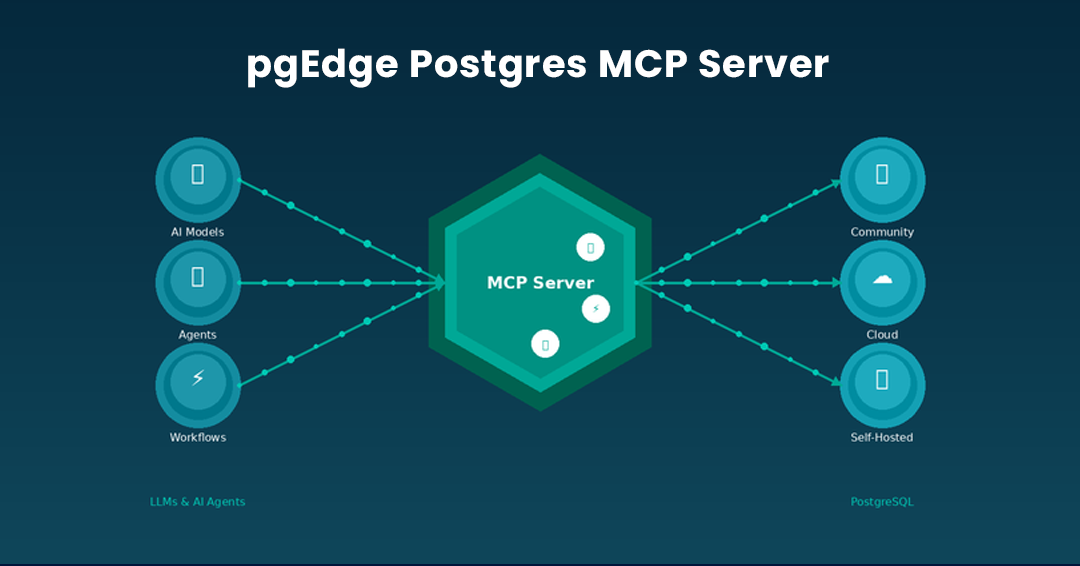
Introducing The pgEdge Postgres MCP Server - And How to Connect it to Claude Code and Cursor
Get started today.
Experience the magic of pgEdge for non-distributed and distributed Postgres deployments.