

Overview
The pgEdge AI DBA Workbench is open source observability and tuning for any Postgres 14+, including Amazon RDS and Supabase. In this Quickstart, Paul Rothrock walks through wiring an RDS instance into the Workbench with full SSL verification. What's covered:
Establishing connectivity with the Setup EC2 Connection action (if you're running the Workbench on EC2)
Installing Amazon's RDS root certificate on the Workbench server, with paths for both setups (Package install: drop the cert under /var/lib for the DBA server, set the pgEdge user as owner, and apply the right file permissions; Docker install: mount the cert as a read-only volume in the server container)
Creating the server entry with SSL set to Verify Full and pointing it at the root cert
Letting the collector scrape your RDS instance
Once it's connected, you get metrics and alerting across your RDS and Aurora estate. The Workbench also includes an optional natural-language chat interface backed by Ellie, the built-in AI agent. When an alert fires, Ellie walks through the diagnosis and points at the exact EXPLAIN to run, the index to add, or the parameter to tune. No migration, no replatforming. The Workbench layers on top of new or existing RDS or Aurora databases.
pgEdge AI DBA Workbench (open source, PostgreSQL License): https://github.com/pgEdge/ai-dba-work... Compatible with any Postgres 14+: community, RDS, Aurora, Supabase, Azure Flex Server, pgEdge

Learn more from the community
Sign up to receive the latest news from technical blogs to Postgres live sessions with Postgres community experts.
Dive deeper into pgEdge
Postgres Live: Monthly Series Scaling PostgreSQL: Vertical, Horizontal, and High Availability Strategies
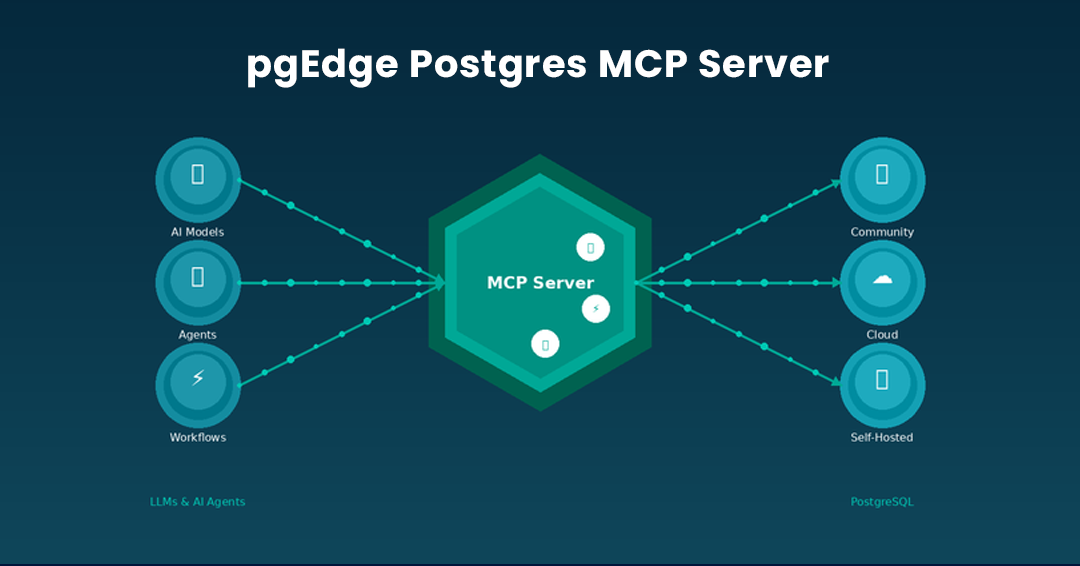
Introducing The pgEdge Postgres MCP Server - And How to Connect it to Claude Code and Cursor
Get started today.
Experience the magic of pgEdge for non-distributed and distributed Postgres deployments.