

Overview
The pgEdge AI DBA Workbench is open source observability and tuning for any Postgres 14+, including Azure Database for PostgreSQL Flexible Server. In this Quickstart, Paul Rothrock walks through wiring a Flex Server instance into the Workbench in a few minutes.
What's covered in this video:
Setting up a firewall rule so the Workbench server can reach the database
Enabling pg_stat_statements via Azure server parameters
Creating a dedicated Postgres role for the Workbench (and why a long-running collector shouldn't be authenticating with a 1-hour Entra ID token)
Adding the Flex Server instance to the Workbench and letting the collector scrape
Once it's wired up, you get metrics and alerting across your Flex Server estate. The Workbench also includes an optional natural-language chat interface backed by Ellie, the built-in AI agent. When an alert fires, Ellie walks through the diagnosis and points at the exact EXPLAIN to run, the index to add, or the parameter to tune. No migration, no replatforming. The Workbench layers on top of your existing Flex Server database.
GitHub: pgEdge/ai-dba-workbench
Download: AI DBA Workbench
Why this matters for Microsoft Flexible Server users:
You don't have to migrate, replatform, or rip anything out. The Workbench layers on top of your existing Flexible Server instances, adding deep Postgres observability and tuning guidance without disrupting what's already working.
The AI DBA Workbench is 100% open source under the PostgreSQL License. Run it yourself, on your own infrastructure, with the LLM provider of your choice (Anthropic, OpenAI, Gemini, or a local Ollama model).
The page also includes a shared “Learn more from the community” signup section and a shared site links section. The links above were stored in the pasted data as Wayback Machine URLs; I’ve shown their original destinations.
Learn more from the community
Sign up to receive the latest news from technical blogs to Postgres live sessions with Postgres community experts.
Dive deeper into pgEdge
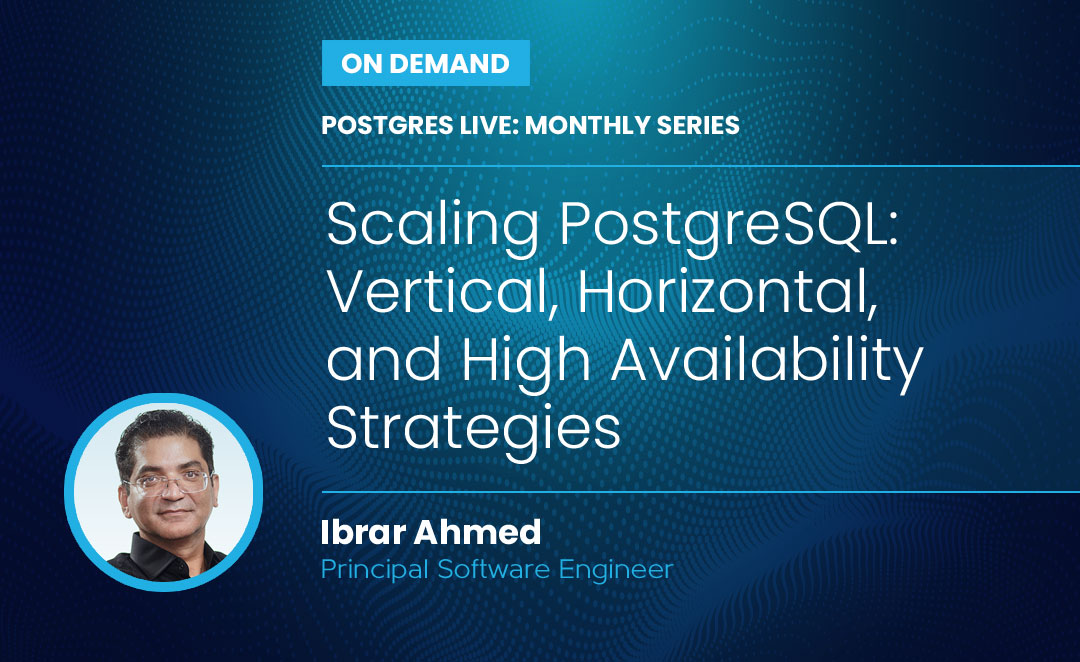
Postgres Live: Monthly Series Scaling PostgreSQL: Vertical, Horizontal, and High Availability Strategies
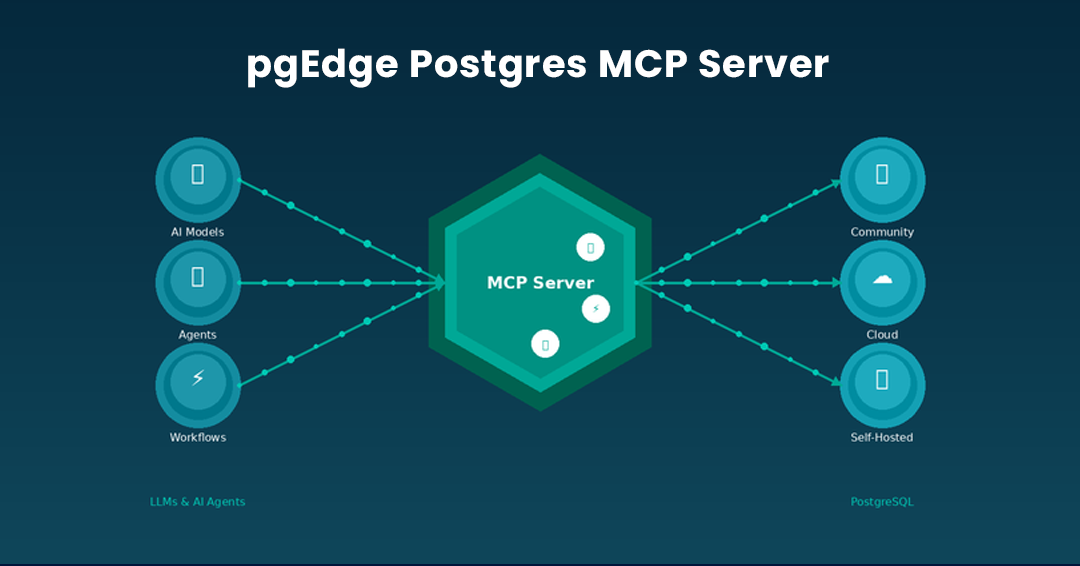
Introducing The pgEdge Postgres MCP Server - And How to Connect it to Claude Code and Cursor
Get started today.
Experience the magic of pgEdge for non-distributed and distributed Postgres deployments.